快速开始
欢迎使用 Distill!本文档将帮助你快速搭建开发环境并运行项目。
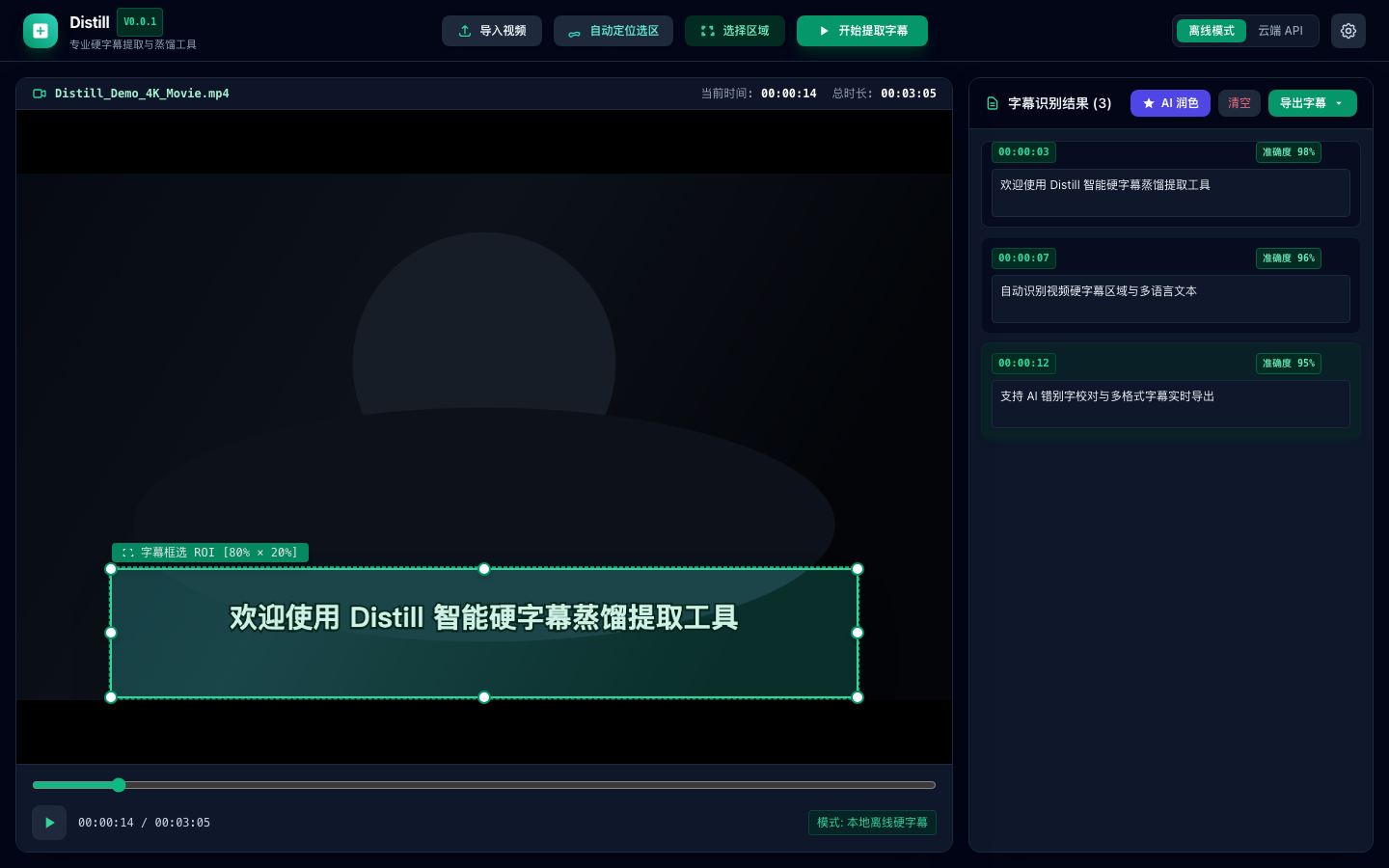
🖼️ 应用界面概览
环境要求
| 依赖 | 版本要求 | 说明 |
|---|---|---|
| Node.js | 18+ | 前端运行环境 |
| npm / pnpm | 9+ | 包管理器 |
| Rust | 1.82+ | 后端编译环境 |
| FFmpeg | 6+ | 视频元数据提取 |
安装步骤
1. 克隆仓库
bash
git clone https://github.com/Agions/Distill.git
cd Distill2. 安装前端依赖
bash
pnpm install3. 运行开发环境
bash
pnpm dev项目验证
前端质量门禁
bash
# 类型检查
pnpm exec vue-tsc --noEmit

# 代码规范
pnpm lint

# 单元测试
pnpm test目录结构
Distill/
├── src/                        # 前端源码
│   ├── core/                   # 核心业务逻辑 (Pipeline, ROI, AICorrector)
│   ├── services/               # OCR 引擎架构 (Local & Cloud, TauriBridge, UpdaterService)
│   ├── stores/                 # Pinia 状态管理
│   ├── components/             # Vue 组件 (Video, Subtitle, Layout)
│   └── utils/                  # 工具函数 (Exporter, Timecode)
├── src-tauri/                  # Rust 后端
└── package.json